SOUL SCRIPT · APP GUIDE Scroll / Arrow / Space
App guide

Real screens.
Clean flow.

A short walkthrough using SoulScript’s actual mobile screens for presentation and recording.

Login starts the personal journal space.
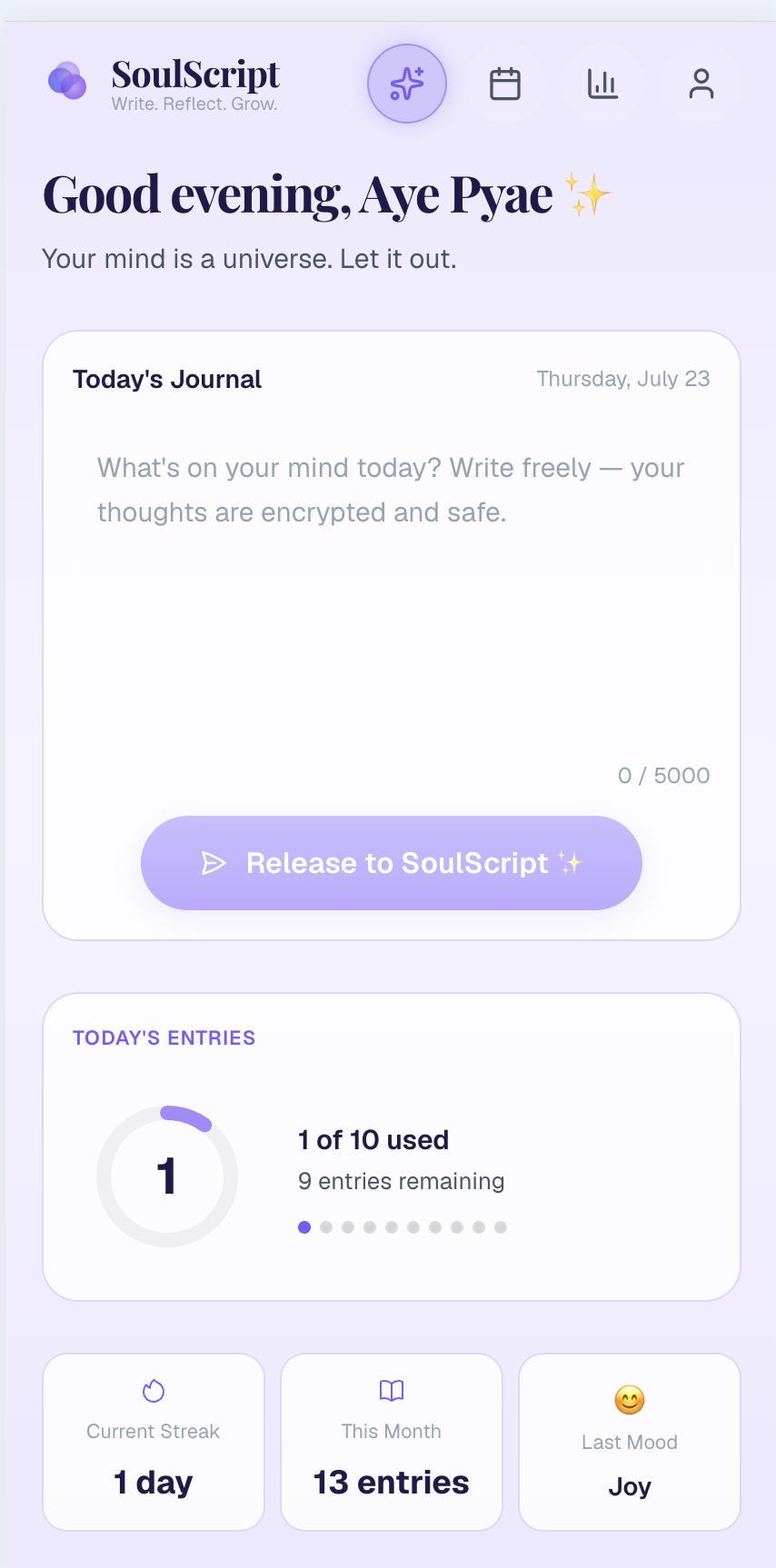
Dashboard keeps the writing action simple and direct.
Login & DashboardSign in, then enter the calm SoulScript writing experience.
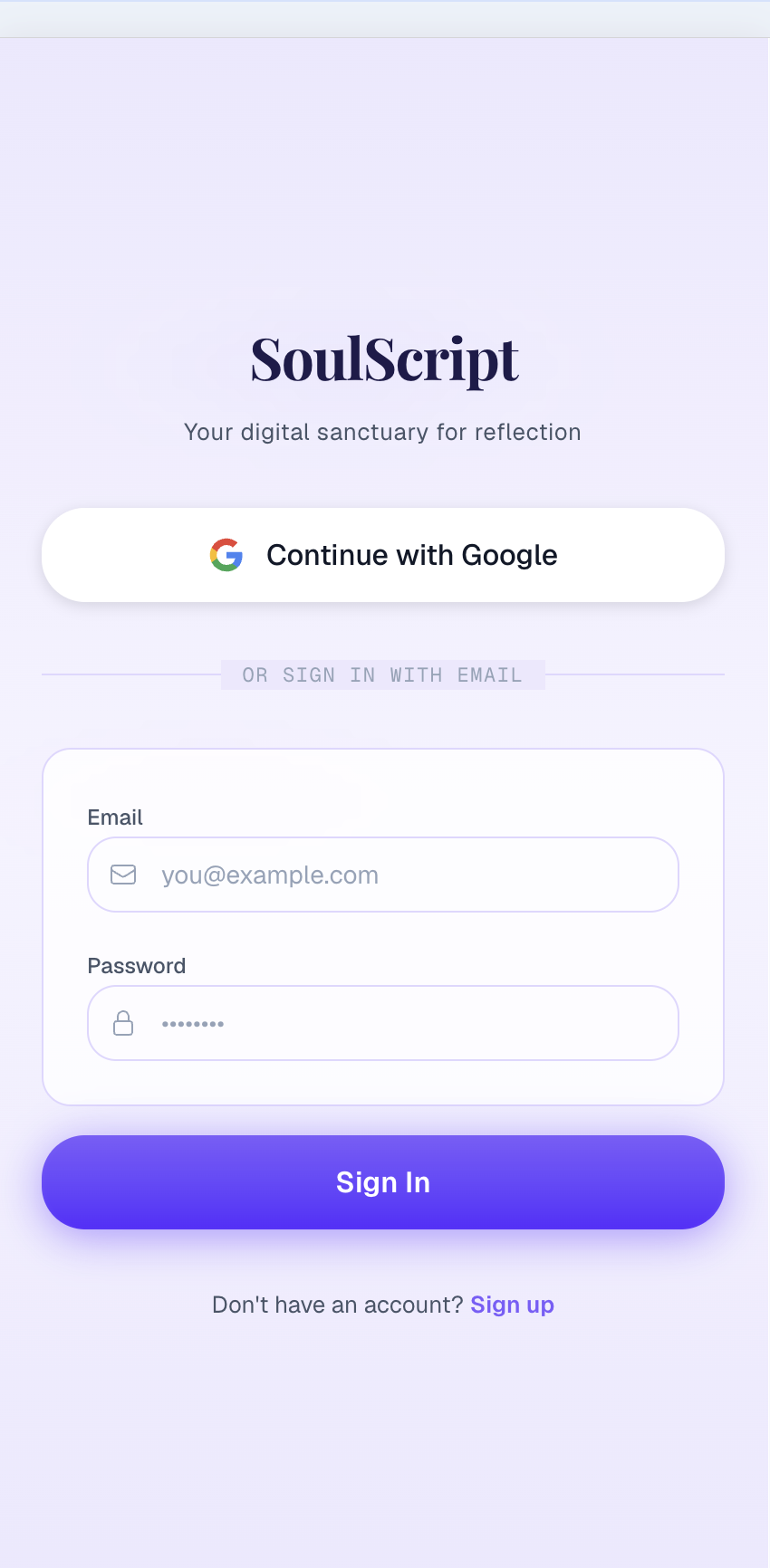
SoulScript login screen
SoulScript dashboard screen
Step 01

Write what’s on
your mind.

Users can write freely and safely. This makes daily emotional check-in feel natural.

Simple writing area.
Entry limit and mood summary are visible.
Daily JournalCapture thoughts, feelings, and moments before they fade.
SoulScript journal dashboard
Step 02

Track moods
by month.

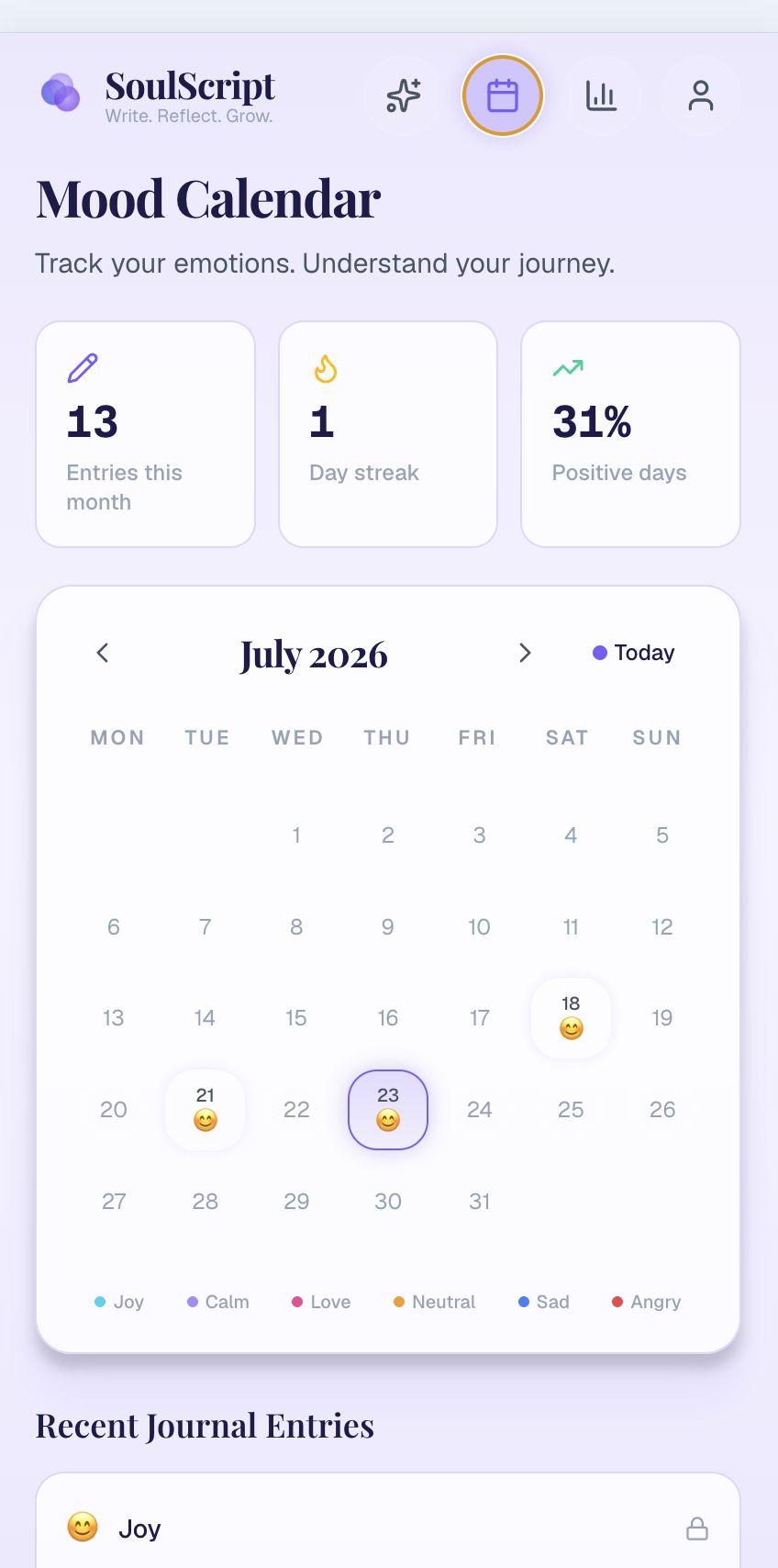
The mood calendar helps users see entries, streaks, and emotional patterns over time.

Monthly mood overview.
Recent journal entries stay connected to the calendar.
Mood CalendarShows entries, streaks, and emotional patterns in one place.
SoulScript mood calendar
Step 03

Generate
AI reflection.

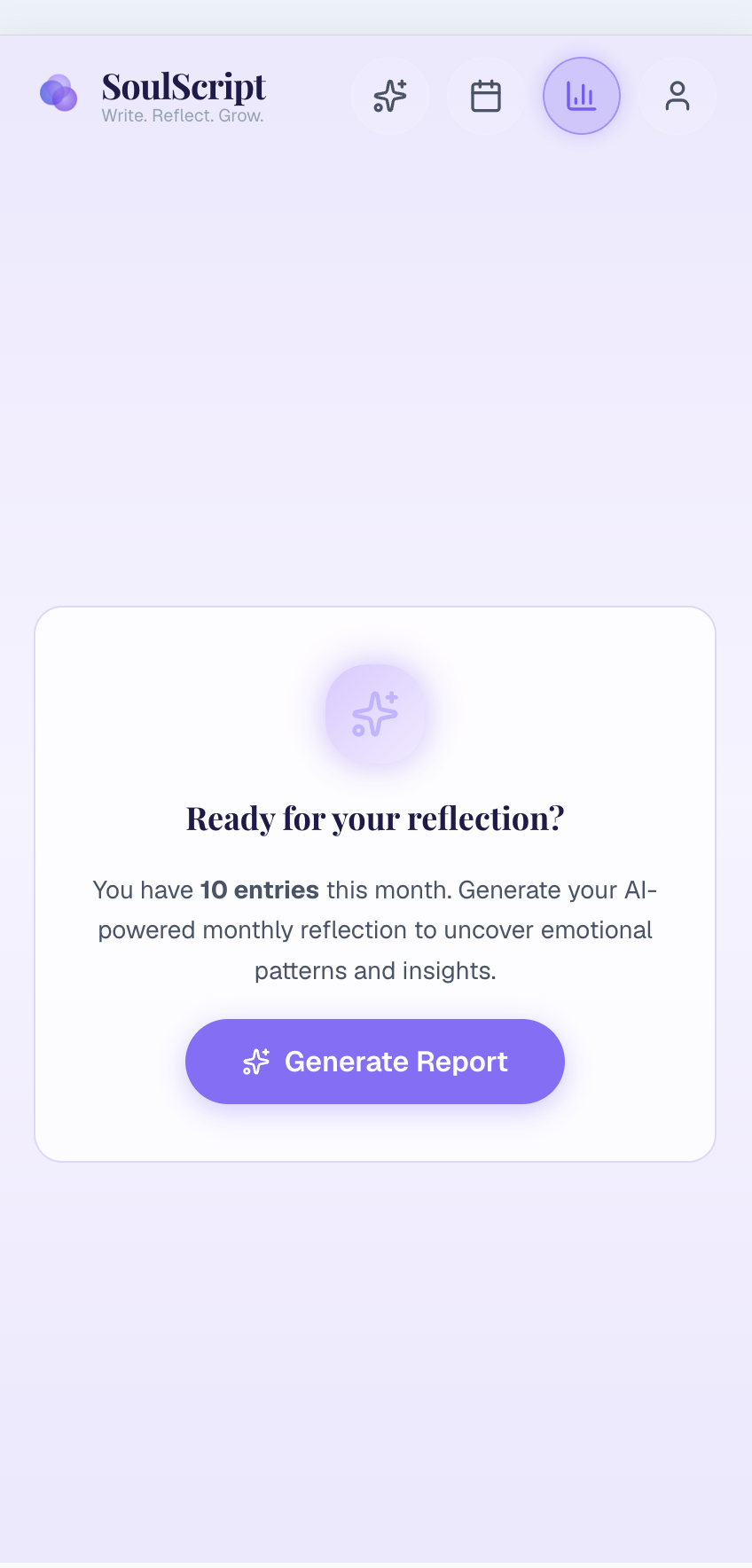
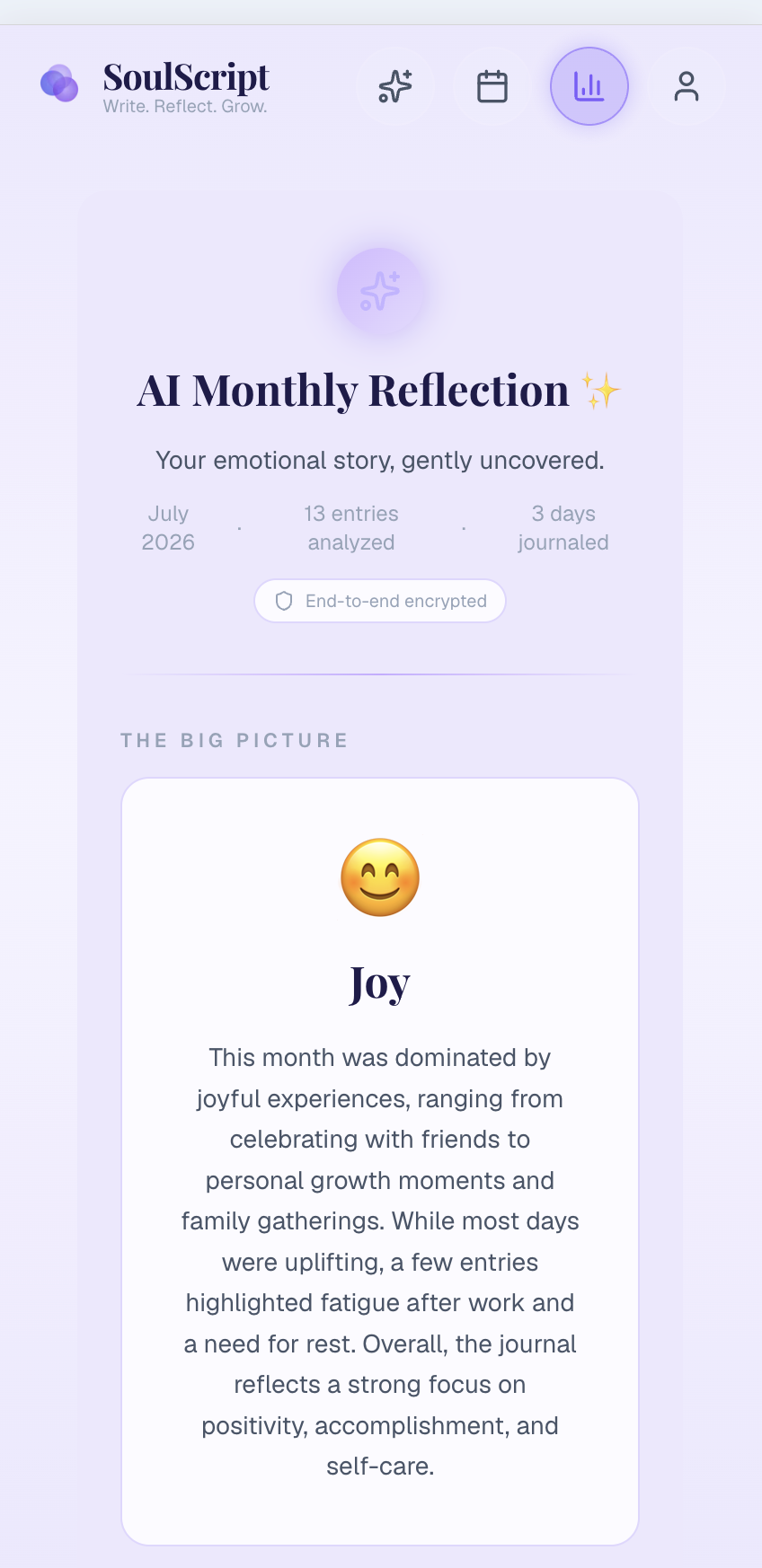
When enough entries are available, SoulScript turns journal history into a monthly reflection.

Reflection starts from saved entries.
The big picture helps users understand the month.
Monthly InsightsAI summarizes the emotional story without judging the user.
SoulScript before generating AI report
SoulScript generated monthly reflection
Step 04

Guide the
next step.

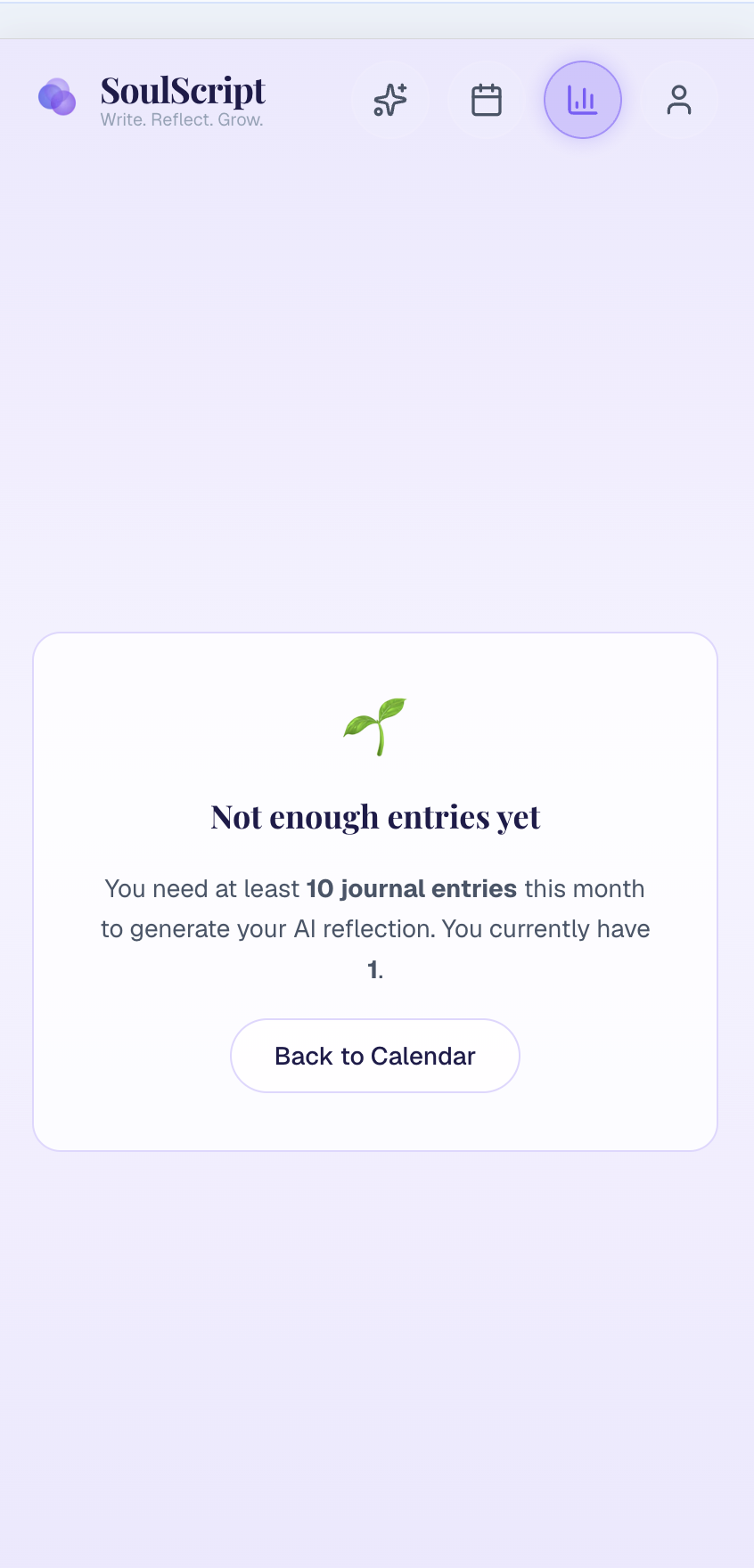
If users do not have enough entries yet, the app guides them back to continue journaling.

Clear requirement message.
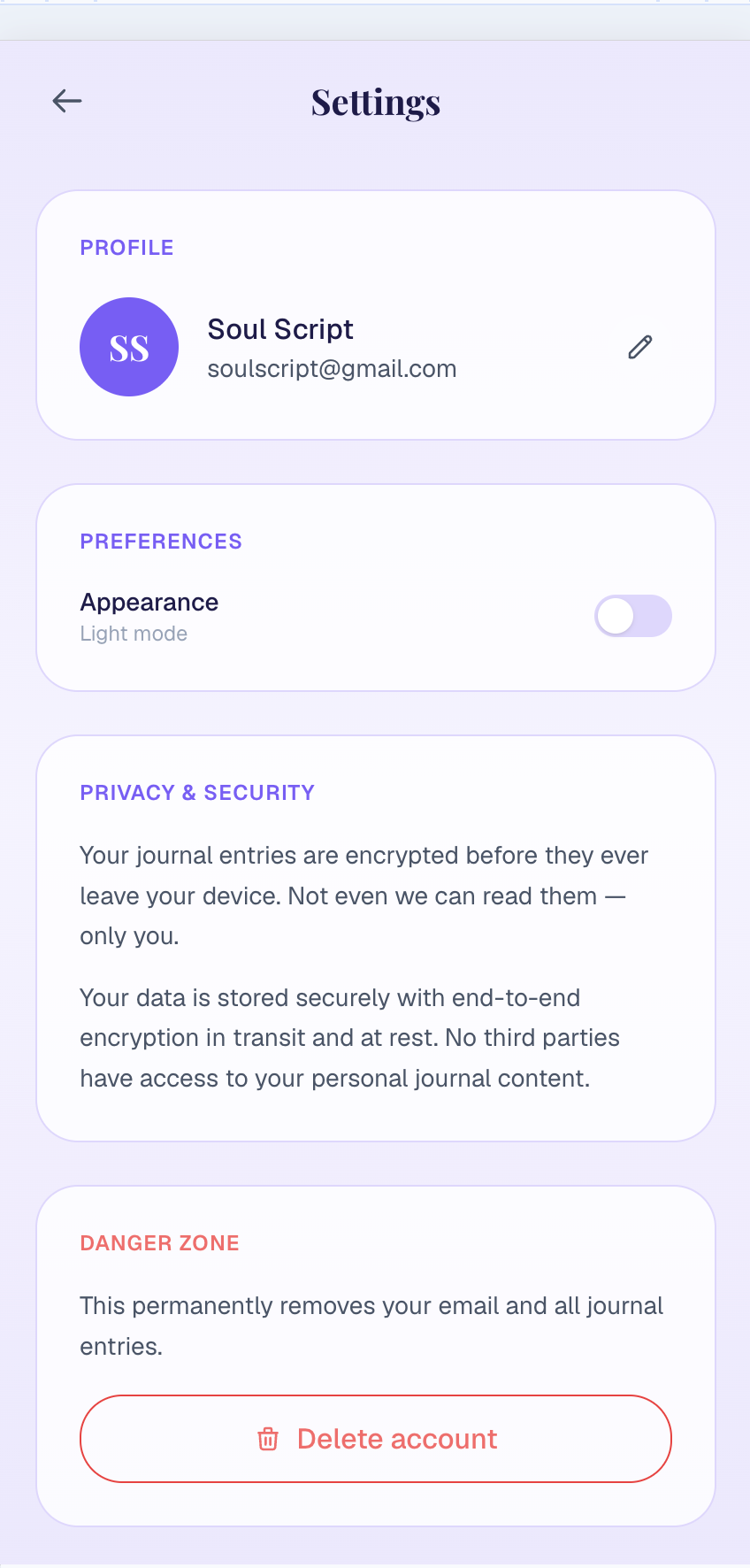
Settings explains privacy and account control.
Supportive UXEmpty states and settings are clear, calm, and easy to understand.
SoulScript not enough entries screen
SoulScript settings screen
Demo account

Try the app
without signing up.

If viewers do not want to use their own account during the demo, they can log in with our prepared SoulScript demo account.

Use this only for presentation testing.
Please do not save private journal entries in the shared account.
Access

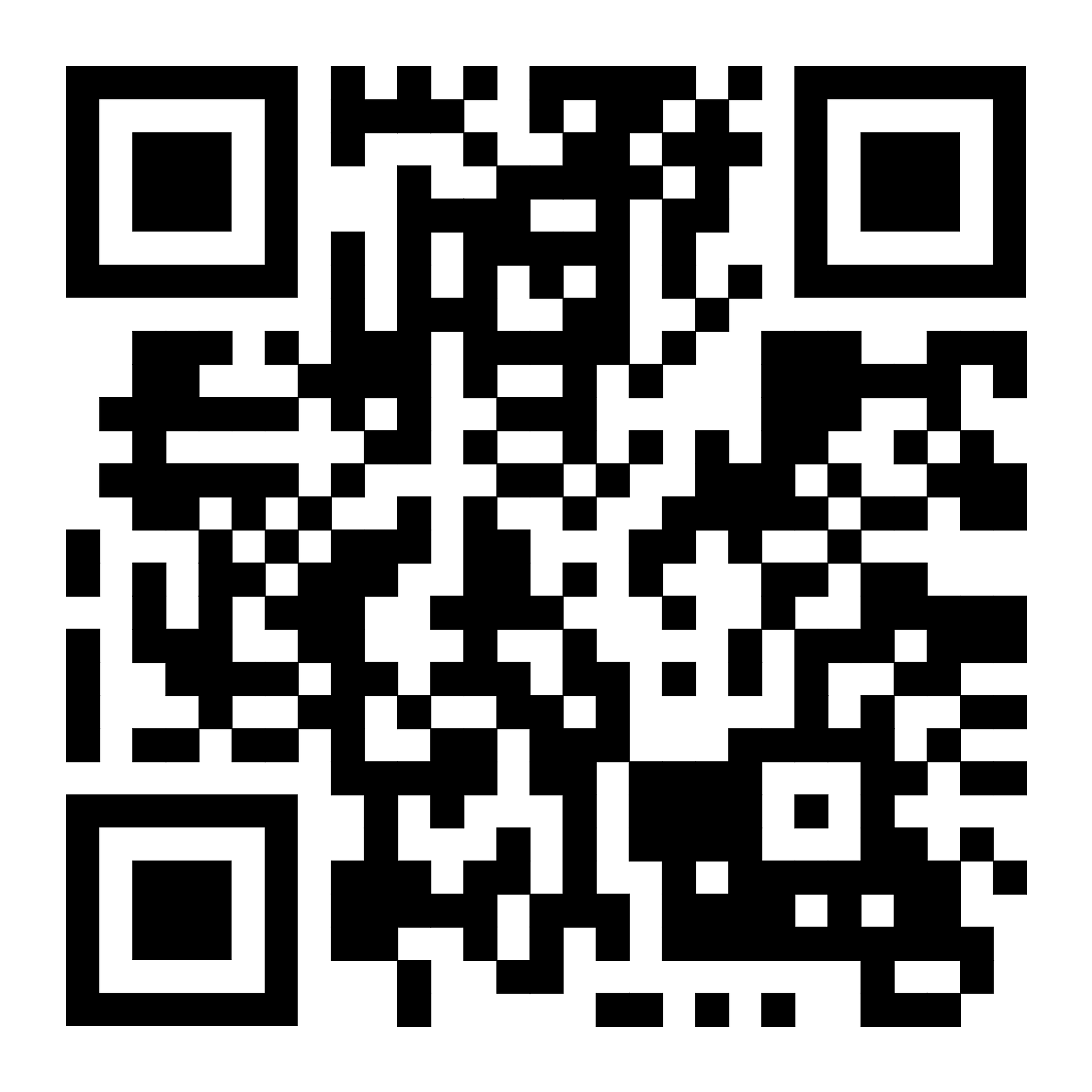
Scan or open
the live demo.

Keep the QR code and project link visible so viewers can access the app after the presentation.

QR Code
SoulScript live demo QR code QR CODE
assets/qr-code.png

Scan with your phone

SoulScript calendar screen
SoulScript reflection screen
SoulScript settings screen